
 Post by
The number of Sri Lankan businesses building mobile apps has grown significantly in recent years and so has the number of apps that fail not because of bad technology, but because of poor user interface design. If users find your app confusing, cluttered, or slow to navigate, they will uninstall it within minutes. In this guide, we walk you through everything you need to know about mobile app UI design before you start your project.
What Mobile UI Design Actually Involves
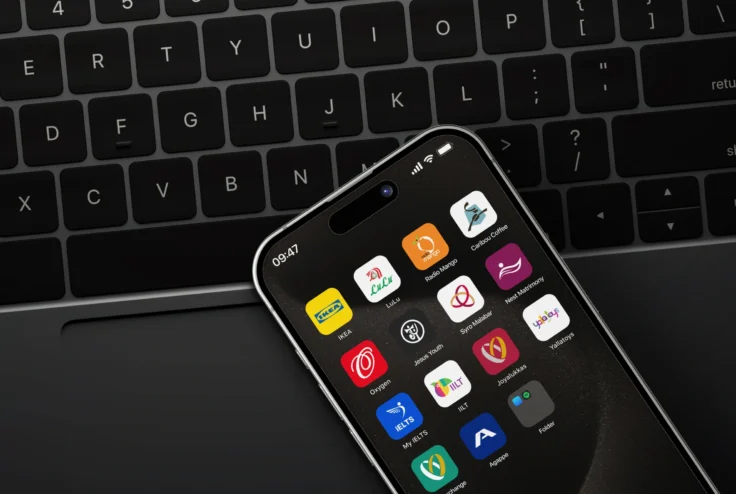

Mobile UI design is far more than selecting colours and placing buttons on a screen. It involves understanding how users interact with a smartphone with one thumb, often in a distracted environment — and designing an interface that accommodates those behaviours naturally. A professional mobile UI designer considers: touch target sizes (buttons must be large enough to tap accurately), thumb reach zones (most users navigate with their right thumb), gesture-based navigation, loading states, error messages, and how the app behaves when things go wrong. These are the details that separate apps users love from apps they abandon.
iOS vs Android UI Design — Key Differences
iOS and Android are different platforms with different design conventions, and a professional UI designer will account for these differences rather than applying a one-size-fits-all approach.
Apple’s Human Interface Guidelines for iOS emphasise minimalism, clean typography, and bottom navigation patterns. Google’s Material Design guidelines for Android favour card-based layouts, top navigation bars, and a more prominent use of colour. An app that ignores these conventions will feel foreign and uncomfortable to users of each platform.
What to Include in a Mobile App Design Brief
The quality of your design brief directly determines the quality of the outcome. A strong mobile app design brief should include:
- The core purpose of the app — what problem does it solve and for whom?
- The primary user — describe your target user in detail: age, tech-savviness, context of use
- Key screens required — list the main screens or sections of the app
- Existing brand guidelines — logo, colours, fonts if you have them
- Reference apps — examples of apps whose design you admire and why
- Platform requirements — iOS, Android, or both
- Any technical constraints — integrations, APIs, or existing back-end systems
The Design Process — From Wireframe to Prototype to Handoff
A structured mobile UI design process typically follows these stages: first, information architecture and user flow mapping to establish how users will navigate through the app; second, low-fidelity wireframes to establish the layout and structure of each screen; third, high-fidelity UI design with full visual treatment; fourth, an interactive Figma prototype that simulates the real app experience; and fifth, annotated developer handoff files.
Rushing or skipping any of these stages increases the risk of expensive rework during development — which is far more costly than investing in thorough design upfront.
How Much Does Mobile App UI Design Cost in Sri Lanka?
Mobile app UI design in Sri Lanka typically costs between LKR 35,000 for a basic wireframe-only engagement to LKR 165,000 or more for a full UX research, UI design, and prototype package. The cost depends on the number of screens, the complexity of the user flows, and the level of research and testing included.
As a benchmark: a simple 10–15 screen app with straightforward flows typically costs LKR 65,000–85,000 for full UI design and prototype in the Sri Lankan market.
Questions to Ask a UI/UX Designer Before Hiring
Before engaging a designer for your mobile app project, ask these questions:
- Can you show me examples of mobile UI design work you have completed?
- What design tools do you use — Figma, Adobe XD?
- Do you provide interactive prototypes or just static screens?
- How many screens are included in the quoted price?
- What is your revision process — how many rounds are included?
- What format will the handoff files be in, and will my developers be able to work from them directly?
“The difference between a good app and a great app is almost never the code, it is the design thinking that went into every screen and every interaction.”