
 Post by
In a market as competitive as Sri Lanka’s, how your business looks is inseparable from how it is perceived. Potential clients make unconscious decisions about your professionalism, credibility, and quality within seconds of seeing your logo, your social media, or your website. Professional graphic design is not a luxury for large companies, it is one of the most profitable investments any business can make.
First impressions happen in milliseconds
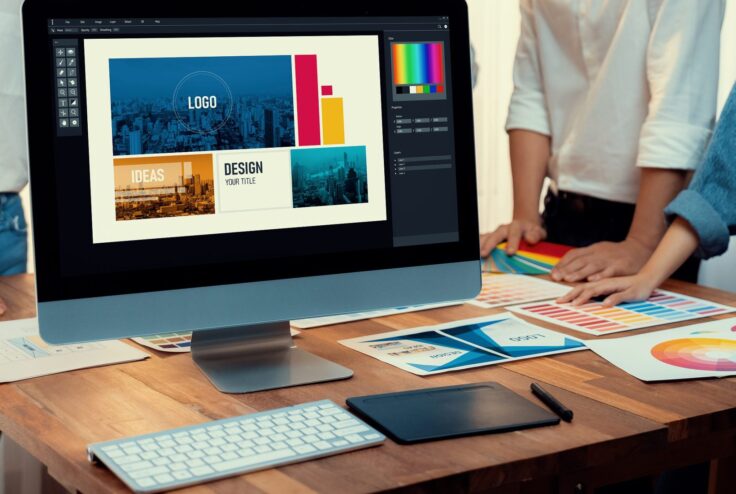
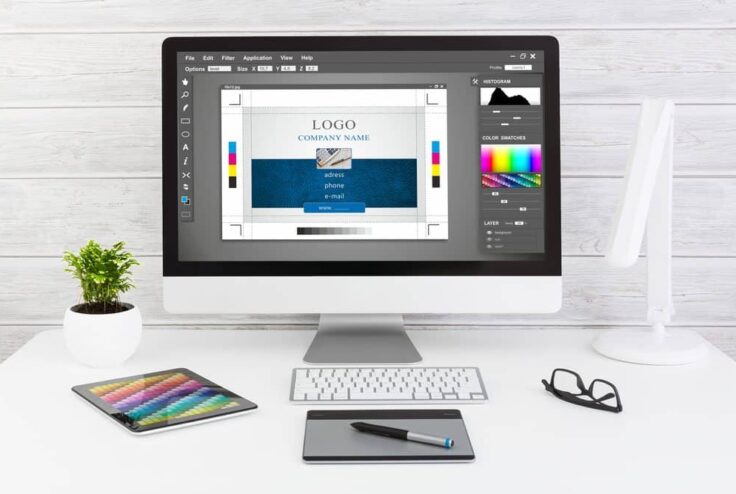
One of the most common mistakes businesses make when ordering design work is assuming a digital file can simply be sent to the printer in its current digital form. It cannot do so, and the results of doing so are usually disappointing at best and unusable at worst. Print design and digital design are fundamentally different disciplines, and understanding the basics can save you significant time, money, and frustration. This applies equally to your logo on a business card, your social media posts, your signage, and your website. Every visual touchpoint is a vote for or against your credibility. It is not about fixing technical problems in real time, it is about stepping back, assessing the whole picture, and helping you make better strategic decisions about your digital investment.
The Fundamental Difference Between Print and Digital Design
Digital design is viewed on screens that emit light, which means colours can be vivid, contrast can be high, and designs can include interactive elements, animations, and videos. Print design is reproduced on physical materials using ink, which means colours behave differently, resolution must be much higher, and what you see on screen will never look exactly identical on paper.
Understanding this difference is the foundation of understanding why the same file cannot simply be used for both purposes.
CMYK vs RGB Why Your Design Looks Different on Screen vs in Print
Digital screens use RGB colour mode Red, Green, and Blue light are combined to create all visible colours. RGB produces the widest range of colours and the brightest, most vivid results. However, printers use CMYK Cyan, Magenta, Yellow, and Black ink , which produces a narrower range of reproducible colours.
This means that vibrant RGB colours particularly bright blues, greens, and purples often look significantly duller when printed in CMYK. A professional designer will create print materials in CMYK from the start, ensuring the colours you see in the design file are achievable in the final printed product.
Resolution and DPI, Why Your Social Media Graphic Cannot Go Straight to the Printer
Digital images are measured in pixels, and screen displays typically require 72–96 pixels per inch (PPI). Print requires a minimum of 300 dots per inch (DPI) for sharp, professional results. This means a web-resolution image that looks crisp on screen will appear blurry or pixelated when printed because it simply does not contain enough image data.
A business that takes their Facebook cover image and sends it to a printer for a banner will typically receive a blurry, pixelated result. This is not a printing error it is a resolution problem caused by using a file designed for screen rather than print.
File Formats Explained, PDF, AI, PNG, JPG, SVG
Different file formats serve different purposes, and understanding them helps you communicate clearly with designers and printers:
- PDF: The most universal format for print-ready files. Always request a ‘print-ready PDF’ for any print project
- AI (Adobe Illustrator): The native editable file format for vector designs. Always request the AI source file if you want to edit your logo in future
- SVG: A vector format suitable for web use logos and icons in SVG scale to any size without quality loss
- PNG: A web-ready format with transparent background support. Suitable for digital use, not for high quality printing
- JPG: A compressed format suitable for photographs in digital contexts. Not ideal for logos or designs with text
Bleed and Margins Print Design Terms Every Client Should Understand
If you have ever received printed materials with white edges where colour was supposed to extend to the edge, you have experienced a bleed problem. ‘Bleed’ is the area of a design that extends beyond the trim edge. typically 3mm on each side to ensure that when the paper is cut to size, there are no white borders.
‘Safe area’ or ‘margin’ refers to the zone inside the trim edge where all important content, text and logos should sit, to ensure nothing important is accidentally cut off during trimming.
How to Brief a Designer for Print vs Digital Projects
When briefing a designer for a print project, always specify: the final dimensions of the finished piece, the intended printing method and material (digital print, offset, vinyl etc.), the quantity being printed, and any specific requirements from your printer. Your designer will use this information to set up the file correctly from the start.
For digital design projects, specify the platform or placement (Instagram post, email header, website banner), the required dimensions in pixels, and whether transparent backgrounds are needed.
“Providing a printer with the wrong file is like sending a chef a recipe written in the wrong language, the intention was right, but the result will be wrong.”